Last updated by: pvlpara, Last updated on: 29/06/2025
Mini Login Game
info
By Parami Liyanage
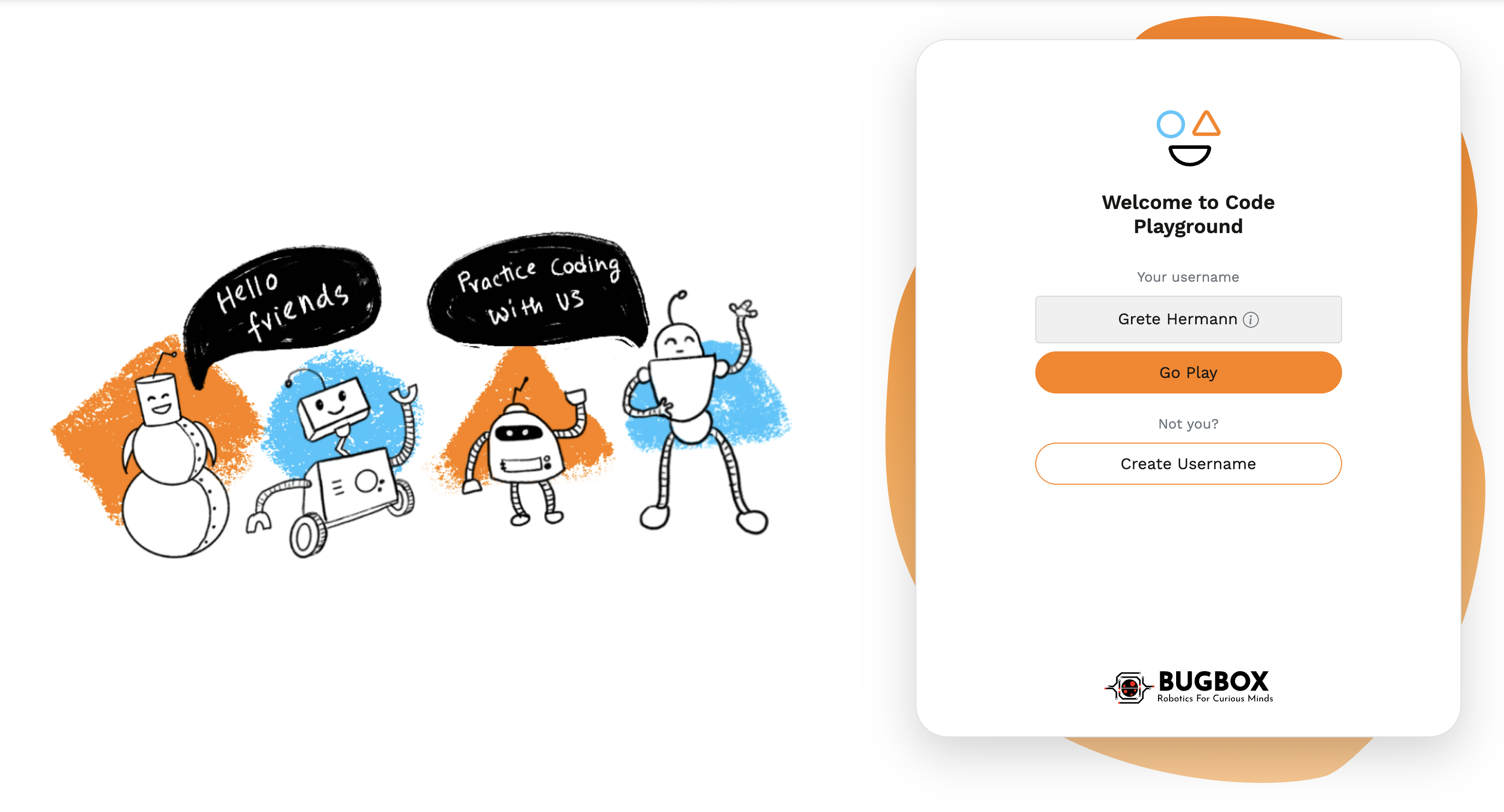
The purpose of the game is to match draggable images with their corresponding drop zones. Each image must be placed in its correct zone to successfully complete the game. Once all drop zones are correctly filled, the user can proceed to the "Go Play" button to navigate to join playground.
Features
- Drag-and-Drop Interaction:
- Implemented using the react-dnd library.
- Provides a smooth and intuitive user experience with visual feedback during dragging.
- Error Handling:
- Displays a modal (LogingameError) if an image is dropped into an incorrect zone.
- Allows users to retry without restarting the game.
- Dynamic UI Feedback:
- Correctly placed images fade out from the draggable area.
- Drop zones display visual feedback when an image is dragged over them.
- Progress Tracking:
- The game dynamically tracks which zones are completed using state.
- When all zones are filled, a "Congratulations" message is displayed, and the "Go Play" button becomes active.
- Responsive Layout:
- Fully responsive design built with Bootstrap.
- Adapts seamlessly to different screen sizes, ensuring usability across devices.
- Randomised Images:
- everytime the page loads, the images in the drag and drop zone are randomised.
Packages & Libraries
- react-bootstrap (UI library)
- react-router-dom (Page navigation)
- react-dnd (for drag-and-drop interaction)
- react-dnd-html5-backend
🎮 How to Play
1.The Layout
- Draggable Images:
- Displayed on the left side of the screen.
- Five draggable images are provided.
- Drop Zones:
- Positioned on the right side of the screen.
- Each drop zone has a placeholder image that hints at the correct draggable image it accepts.
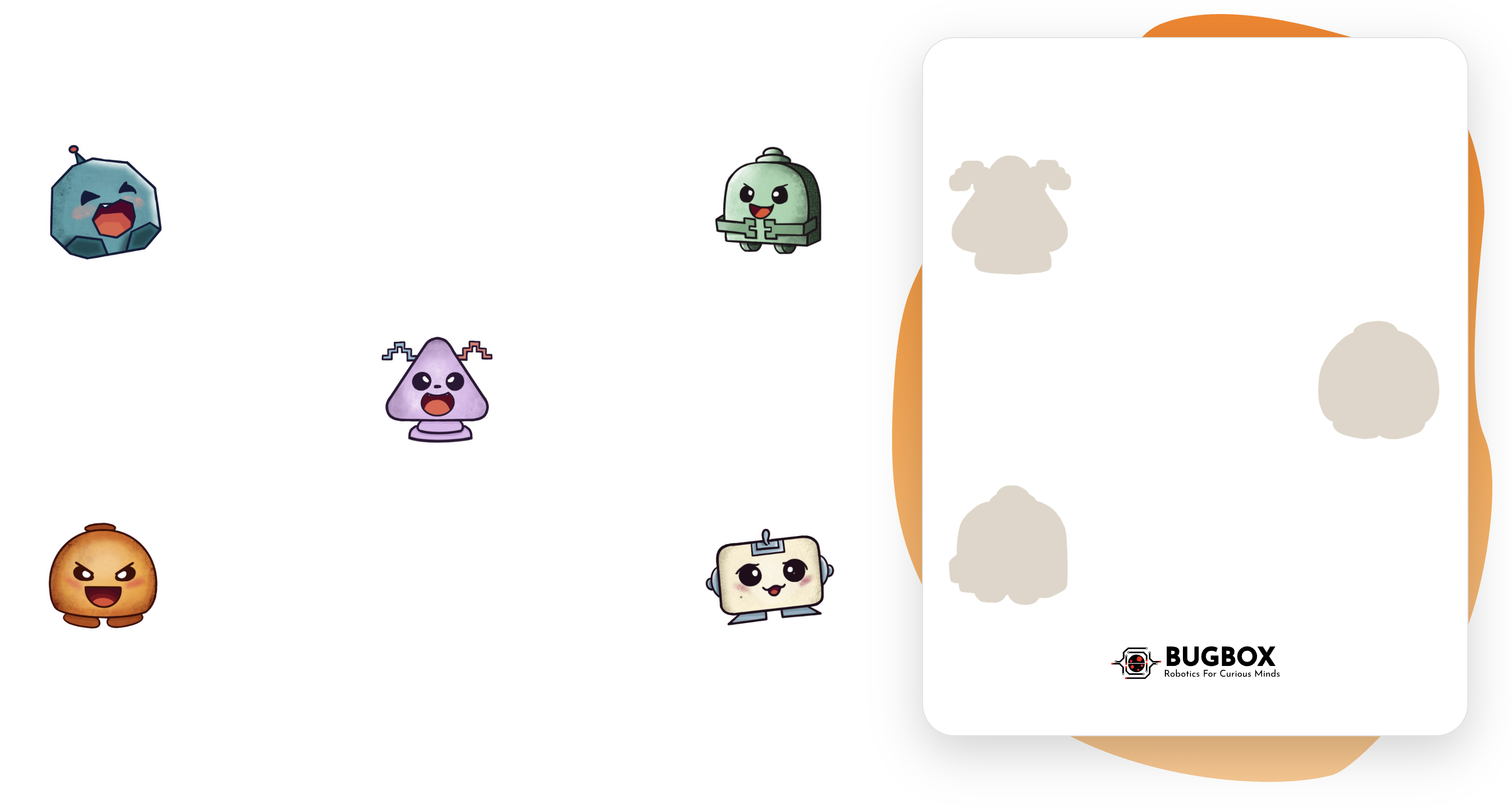 2.Dragging and Dropping Items
- Hover over a draggable image to highlight it.
- Click and hold the image to grab it.
- Drag the image over to one of the drop zones on the right side.
- Release the mouse button to drop the image.
3. Validation
- If the image matches the intended drop zone:
- The image will snap into the drop zone.
- The draggable image will fade out and become unclickable.
- If the image does not match:
- An error modal will appear, notifying you that the image cannot be dropped in that zone.
- The image will return to its original position in the draggable area.
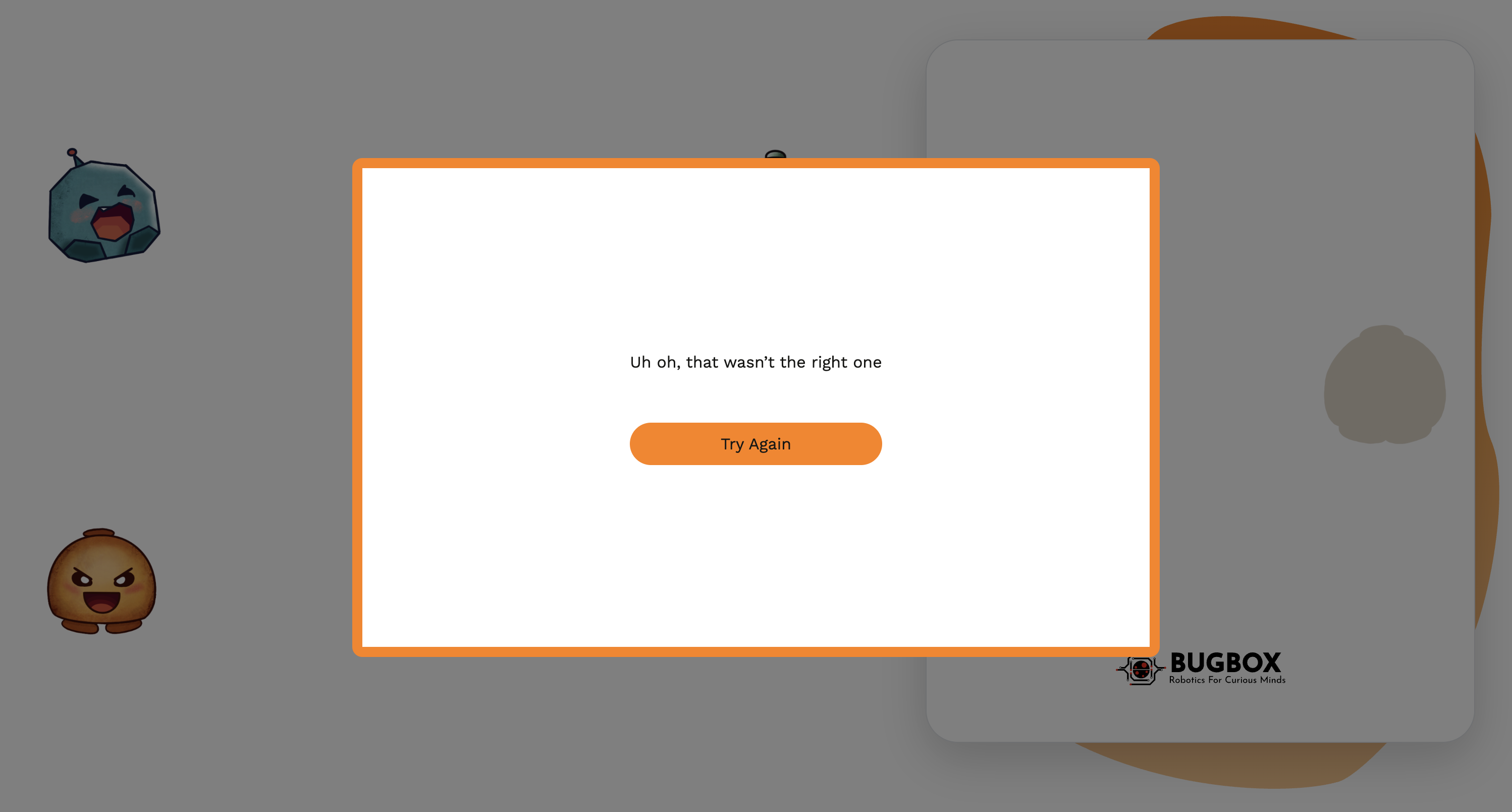
4. Completing the Game
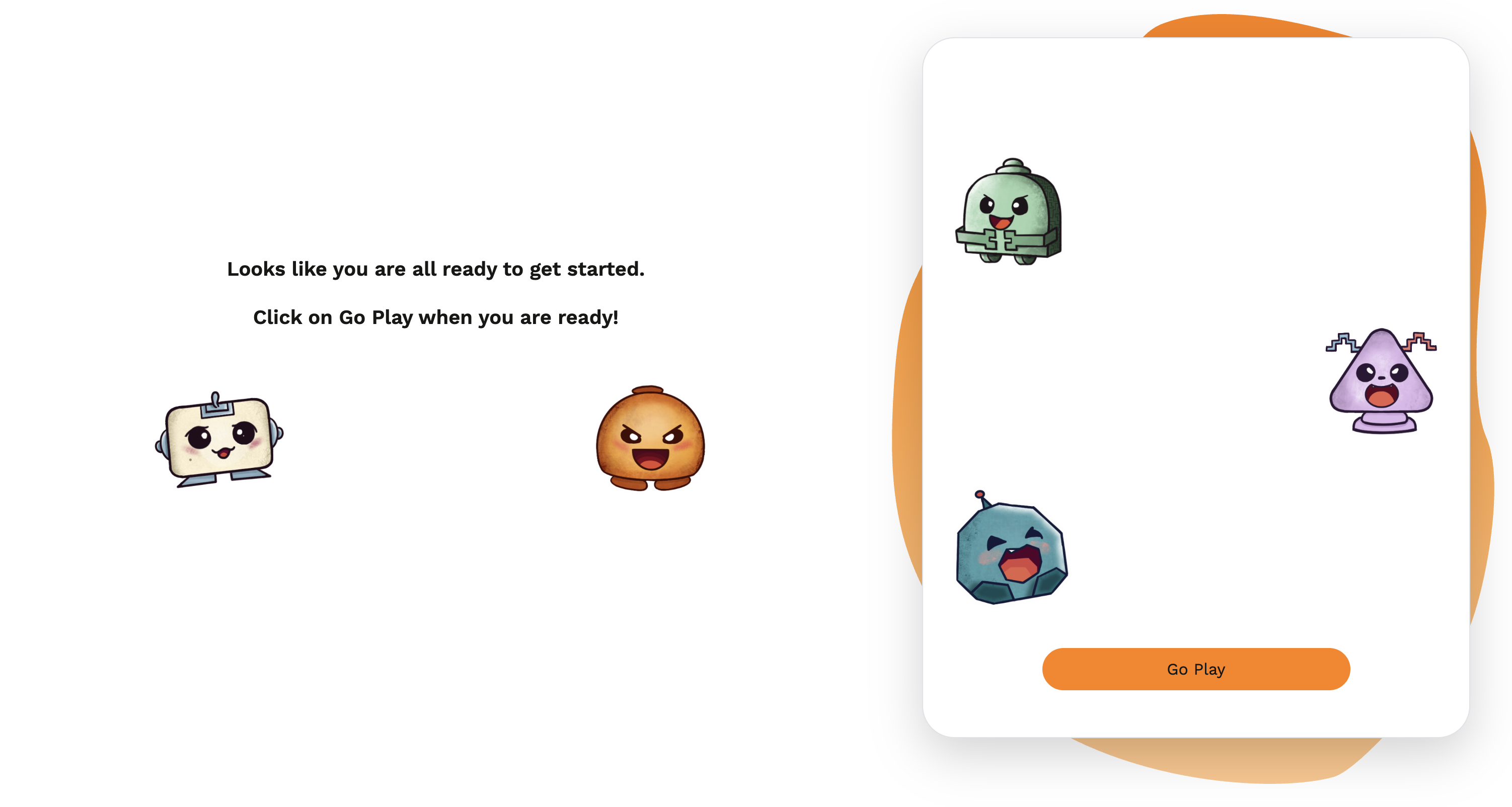
- Successfully drop all draggable images into their corresponding drop zones.
- When all zones are filled correctly:
- The "Go Play" button will appear on the right side of the screen.
- A message will display: "Click on Go Play when you are ready!"
- Click the "Go Play" button to proceed to the next activity.
Notes
After completing the game, to login to playground make sure bugbox backend app is running as well.
Important:
For future development if drag and drop functionality is needed using react-dnd, we can just simply add this element as a child in the router.
see Router.tsx in Playground repository